If the tracking page for your Canada Goose down jacket order hasn't shown new scans for a while, don't immediately assume the package is lost, and don't repeatedly submit orders or make duplicate payments. Fashionreps displays product information and available QC photos; orders, payments, and shipping are handled by external shopping agent websites, so specific tracking status should be based on the records of the agent platform and carrier where the order was placed.

Record the current status first
Before refreshing the page or contacting customer service, save the following information:
- Order number or package ID
- Current warehouse status displayed
- Shipping time shown on the page
- Name of the shipping line used
- Time and location of the latest scan
- Complete tracking number displayed on the tracking page
Also take a screenshot of the current status page. This prevents relying solely on memory when describing the issue and makes it easier to verify whether the same order has changed later.
Determine which state the package is in
Tracking not updating doesn't necessarily mean the package is in transit. You can differentiate in the following order:
| Status seen | Verification to prioritize | What not to do temporarily |
|---|---|---|
| Still showing in warehouse, pending, or awaiting shipment | Check whether the item has completed inbound, packing, or shipping steps | Don't treat it as carrier delay |
| Shows shipped, but no initial carrier scan | Verify tracking number, line name, and shipping time | Don't duplicate payment due to lack of initial scan |
| Has scan records, but no new updates afterward | Record the latest scan time and location, continue observing for changes | Don't infer the package's current location |
| Tracking number unrecognized or format abnormal | Go back to the order page to verify the number is complete and no wrong field was copied | Don't repeatedly submit the same query on multiple pages |
This table only helps you arrange the verification order; it cannot prove the package's current location. Without new scan evidence, you should not interpret "shipped" as "already arrived at a transit hub."
Check if warehouse exit and carrier scan are confused
First open the order details and confirm whether the page shows warehouse operations or carrier scans. The warehouse completing packing, generating a tracking number, or marking as shipped does not mean the carrier has completed the first scan in the transportation network. The timestamps of the two types of records may differ, so record them separately and don't rely on just one status word.
Focus on checking three items:
- Does the order clearly show it has shipped, rather than just paid, packed, or label generated?
- Does the tracking number match the currently selected shipping line? Are there missing characters, spaces, or incomplete copying?
- Is the latest scan actually from the carrier's records, rather than an internal order status generated by the agent platform?
If only the warehouse status changed with no carrier scan, treat it as "shipped but not yet first scanned"; if there is already a carrier scan, record the last node and time, then determine if it's just that subsequent nodes haven't appeared yet.
Perform a low-risk verification in order
First refresh the order details and tracking query page, and confirm you are viewing the same order and same tracking number. If the page still shows no change, log out and log back in, then verify the status is consistent. Do not create multiple new query records on multiple pages simultaneously, and do not repay shipping fees just because the page hasn't changed temporarily.
Next, copy the tracking number to the query portal of the corresponding shipping line and check if the number is recognized. If the line page cannot recognize it while the order page shows shipped, first verify the line name and source of the tracking number; do not guess the carrier based on number format, and do not mistake similar numbers in search results for your own package.
If the tracking number is recognized but no new scans, save the time, location, and original text of the last scan. Then continue to observe whether new carrier records appear. With insufficient current evidence, you can only say "tracking information has not been updated yet," but cannot further assert that the package is stuck, returned, or lost.
When to contact order platform customer service
You can contact the customer service of the shopping agent platform where you placed the order in the following situations:
- Order status contradicts the tracking query page
- Shows shipped, but the tracking number has been unrecognized for a long time
- Tracking number appears incomplete or doesn't match the line
- Need to confirm whether the package was actually handed to the carrier
- Page status hasn't changed for a long time, and you have saved the order number, line, tracking number, and latest scan information
When contacting customer service, provide the order number, tracking number, line name, shipping time, latest scan time, and screenshots all at once, and clearly state whether you want to verify "whether it has been handed to the carrier" or "why the tracking record hasn't updated." The more specific the description, the less likely you'll be repeatedly asked for the same information.
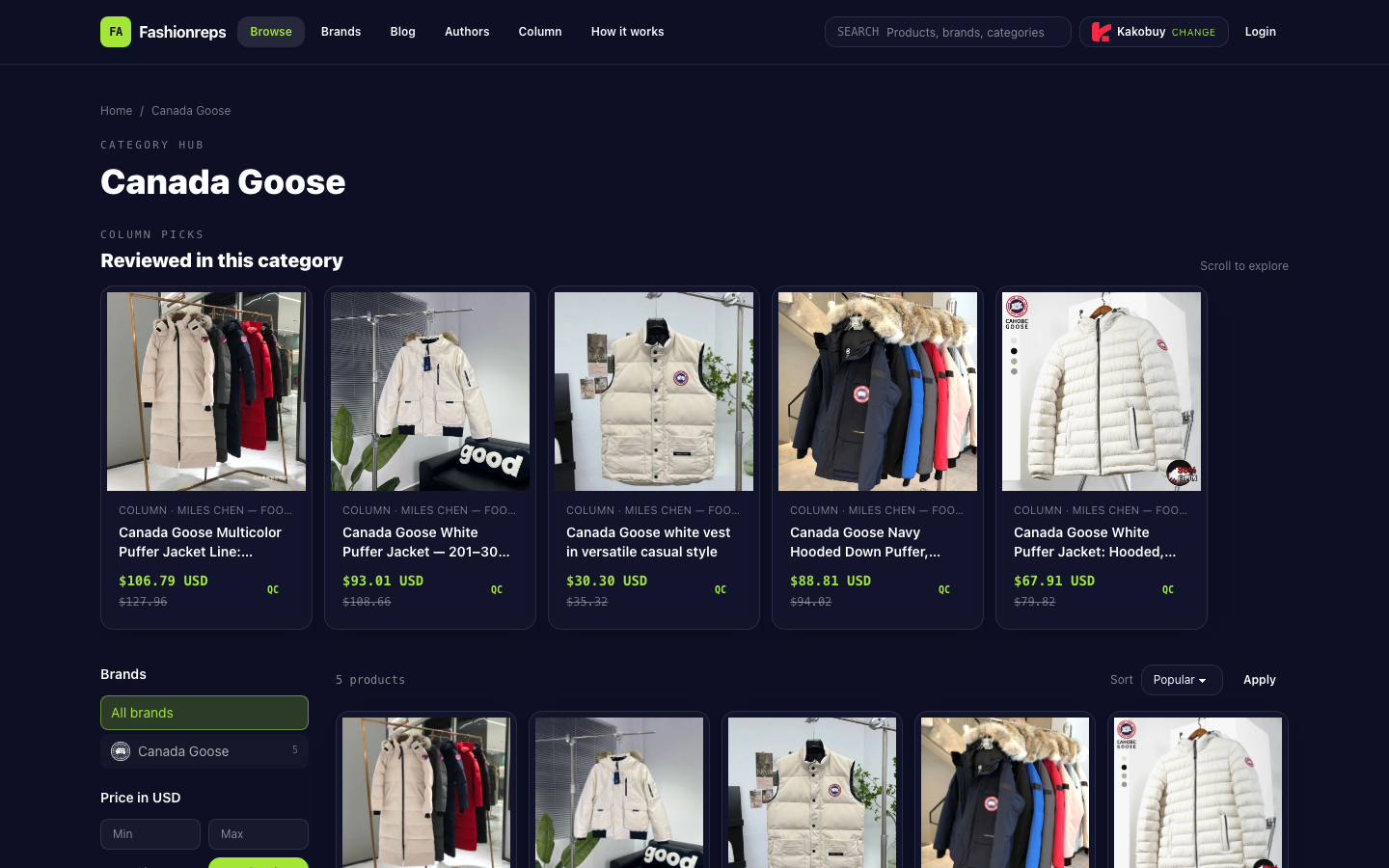
Fashionreps itself is used to display product discoveries, QC photos, and shopping guides; orders, payments, and shipping are handled by external shopping agent websites. Therefore, issues involving the actual package, tracking number, or shipping records should be directed to the agent platform where the order was placed or the corresponding carrier, not judged solely based on the product category page.
When to stop repeating operations
If the order page, line query page, and customer service replies have not provided new scan evidence, stop refreshing repeatedly, submitting repeated queries, and making duplicate payments. Keep existing screenshots and timestamp records, and wait for the platform or carrier to provide new verifiable status.
Especially avoid the following practices:
- Reordering because there are no new scans
- Paying the same fee again because the page shows an error
- Using an uncertain tracking number to query other packages
- Inferring shipping progress based on product page prices, QC information, or category position
- Asserting that the package is lost, returned, or arrived somewhere without new evidence
The key to diagnosing logistics issues is not seeing a page that hasn't changed once, but distinguishing warehouse internal status, initial carrier scan, and subsequent transit scans. First record evidence, then verify the order and line, and finally confirm through the official customer service channel of the order platform; before obtaining new scans or clear replies, do not expand unknown status into definitive conclusions.